
Imagine you're planning a celebration and want to ensure a great experience for everyone. Searching "all-you-can-eat pasta" on Google, you find a nearby restaurant that seems perfect. What's the next step? Most likely, you'll check reviews to understand the experience of those who have already been there.
Online reviews are crucial for consumers. According to the Local Consumer Review Survey, 86% of consumers read reviews of local businesses, and trust in them is so high that 91% consider these reviews as reliable as personal recommendations.
Online reputation sites play a key role in helping consumers choose businesses such as restaurants, hotels, car rental companies, pet shops, and more. We compared the top 15 review sites in Brazil and the sectors they are best suited for, including instructions on how to create or claim your profile on each one.
You may already have a profile on these sites without knowing it! Check out our list below to discover the best sites for your business and learn how to set them up.
How do you choose the best reputation website for your business?
Choosing the best online reputation site for your business is a strategic step to strengthen customer trust and increase digital visibility. The first criterion for choosing the ideal platform is to consider the profile of your target audience and the channels they use most. For example, if your business is in the tourism sector, platforms like TripAdvisor and Yelp tend to be more effective. For local businesses and service providers in general, Google My Business and Facebook are popular among consumers and allow for broader reach and engagement.
Another important point is to evaluate specific platform functionalities. Sites like Reclame Aqui, for example, are known for their approach focused on conflict resolution and transparency, being recommended for companies that want not only to receive feedback but also to demonstrate a commitment to solving problems. Google My Business, on the other hand, offers direct integration with searches and maps, ideal for those who want to optimize the discovery of new local customers.
Additionally, check if the platform offers analytics and reporting tools that allow you to monitor the performance of reviews and extract insights. Reputation sites with detailed metrics on the number of views, the frequency of reviews, and customer feedback help measure the impact of reputation strategies and adjust them as needed.
Finally, it's advisable to choose more than one review site to expand your digital presence and reach a more diverse audience. By considering these factors, your business will be well-positioned to build a solid online reputation, generating trust and attracting new customers consistently.
The main review sites and which one is best for your business
The main review sites in Brazil, such as Google My Business, Facebook, TripAdvisor, Yelp, and Reclame Aqui, play specific roles for different types of businesses. Google My Business is ideal for companies in any segment, as it is the most accessed platform for local reviews and essential for local SEO optimization.
Facebook is advantageous for businesses that want an active presence on social media and aim for engagement and recommendations. TripAdvisor is ideal for tourism and hospitality, while Yelp is suitable for services and establishments seeking a more international customer base.
Reclame Aqui is widely used to monitor the reputation of companies, especially in sectors with high customer service demands. Choosing the best site depends on the business's target audience and segment, but combining platforms can increase visibility and strengthen consumer trust.
Google My Business
When it comes to rating a local business, Google is preferred by over 60% of consumers. Every business, whether with a physical location or not, can and should have a Google My Business profile to share information such as hours of operation, phone number, address, website, photos, and videos.
Who it's for: all types of businesses, from the most varied segments, from bars and restaurants to hotels, car rental companies, shopping centers and service providers, regardless of whether they have a physical location or not.
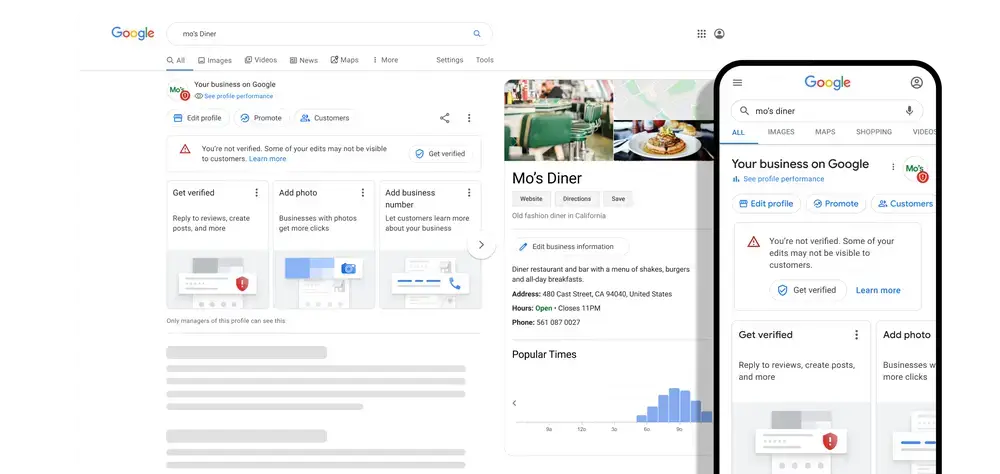
How to register your business on Google My Business:
- Go to google.com.br/business and click on Get started now.
- Sign in to your Google Account.
- Enter your business name and click Next. Google will check if there is already a profile registered for that location. It will present a list; if you find your establishment there, click on it.
- Enter your company's address and click Next. On the next screen, you will need to place a marker on your company's location on the map.
- If you manage a company that provides on-site customer service, follow these additional steps:
- Check the box I deliver products and provide services to my customers. You can also check the box Hide my address (not a store) – Show only the region.
- Click Next.
- Select a delivery area option and click Next.
- If you manage a company that provides on-site customer service, follow these additional steps:
- Use the search field to select a business category. Then click Next. Pay attention to choosing the right category, as this is what helps you be found by consumers. See how to choose your category here.
- Enter your company's phone number or website URL and click Next. Tip: You also have the option to create a free website based on your information.
- Click Continue to complete the registration. Now we will confirm/verify your company.
- Confirm your information and click on Send by mail in the upper left corner of the page, above the map where your company is marked.
- Enter the name of the person to whom the verification postcard should be sent. This is optional. Google will send a postcard to the address you provided for your business. Click Send postcard.
- After receiving your verification postcard, return to google.com.br/business. Log in and click Verify location in the menu (or click the Verify now button). Then, follow the instructions to enter the verification code from your postcard.
- Done! You're verified and ready to edit your business information, respond to comments, and add photos.
⚠️Reminder! It may take a few weeks for your business information to appear on Google.
Essentially a social network. However, they realized in time the power and relevance of reviews for establishments and invested in the feature.
Who it's for: all types of local businesses, from the most varied segments, from bars and restaurants, to hotels, car rental companies, shopping centers, service providers and anything that has a physical location.
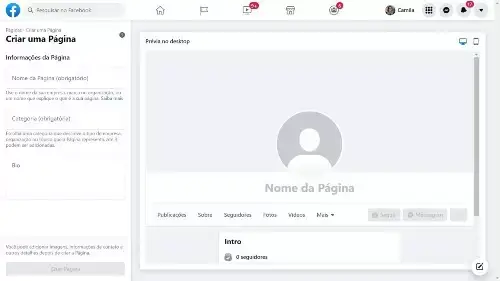
How to register your business on Facebook:
First of all, search for your company on Facebook; it may already have a page on the network. In that case, you need to claim ownership of the page.
Claiming a page on Facebook:
- Locate the phrase "This is your company" below the cover photo and click on it;
- Select the "claim" option; the next step is to define the verification method: by phone, email, or official company document.
Checking by phone:
- To confirm that this is your page, Facebook will make an automated call to you. Enter your publicly listed business number and, if applicable, your extension.
- Choose your preferred language for the call.
- Stay close to your phone, then click "call now" and listen for your 4-digit verification code.
- By continuing, you agree to receive an automated call from Facebook to the number provided, and you accept any charges from your phone carrier that may be generated by this call.
Checking by email
- Make sure your corporate email address is connected to your Facebook account. If it isn't, add it and click the link in the confirmation email sent by Facebook.
- After confirming your email address, copy your email into the indicated field and click "Submit".
By documentation
- Scan or take a photo of a business document that shows your company's name and address, such as: a utility/phone bill, business license, business tax return, or training certificate.
- Upload the document to Facebook using the “Choose file” button and click “Submit”.
However, if you can't find your business on Facebook, follow these steps to create a fan page for your business:
- Go to Create a Facebook fan page and follow the step-by-step instructions.
- The platform will ask you to choose a business category and provide some information about the establishment: name, address, and contact phone number.
- To receive recommendations, your business must be marked as a local business. You do this by choosing the restaurant, hotel, or inn category, or by selecting the Local Business or Local Service category.
- Next, you will be directed to upload a profile picture and a cover photo for your fan page (make sure this step is good).
- Finish filling in all the information on your page correctly. Enter your opening hours and a good description of your services. Remember to also configure the call-to-action button by clicking on " + add a button", located below the cover photo.
- Now all you have to do is promote your fan page.
⚠️IMPORTANT
From time to time, it's a good idea to check for duplicate pages, also known as unofficial pages. When you find one, you should claim ownership and merge it with the official page.
Foursquare
It was once one of the largest and most important online reputation sites for establishments such as bars, restaurants, etc. Although Foursquare's usage has declined considerably, it remains an interesting option for finding businesses, and having a good rating on it is important.
Who it's for: If your business depends on foot traffic – restaurants, cafes, bars, etc. – make sure your profile is complete and up-to-date so people can find you and ask them to check in.
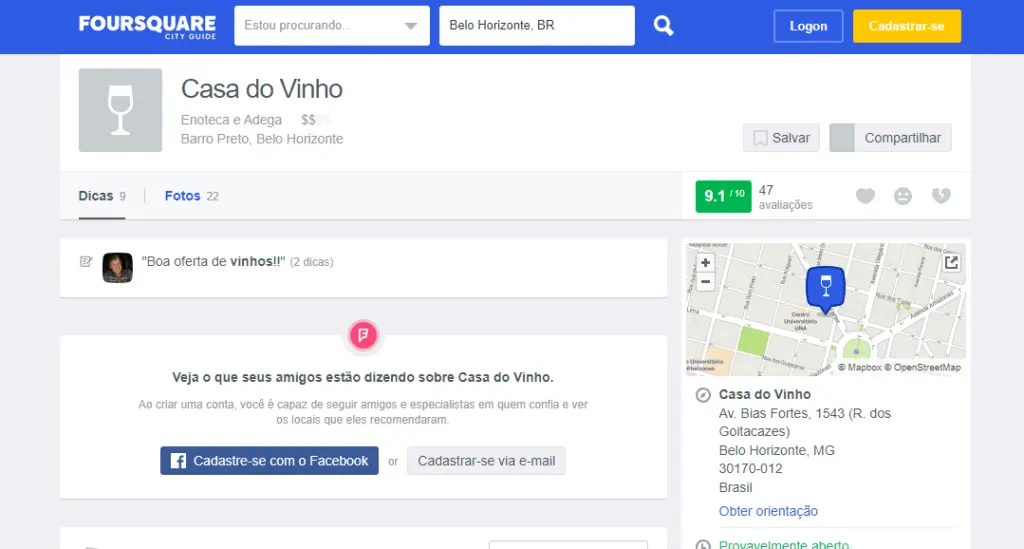
How to register your business on Foursquare
If your business doesn't already have a profile, follow these steps to create a Foursquare account:
- Go to the website. Then, type in the name of your establishment and the region. Click Search.
- You will see a list of establishments. Check if your location is on that list. If you don't find it, you will see " Still can't find your establishment? Click here to add it". Click where indicated.
- You will be redirected to a page where you will need to provide information about your business, such as your name, address, and Twitter account. Fill in all the fields and click Save.
- Your business is now registered on Foursquare, and your customers can check in at your establishment. However, you still don't have control as a moderator. To fix that, we'll claim ownership of the establishment.
- Logged into the website, look for your business profile. Once you find the profile, click on Register my business.
- The next page is the ownership confirmation. Check the box “I am the owner (or work for the owner) and agree to the Platform Terms of Use for this location” and click Get Started.
- Continuing with the ownership verification, you will enter a phone number with the area code. It doesn't have to be the number of the establishment you are claiming; it can be your mobile phone number. Click continue.
- Next, a 4-digit numerical code will appear on your screen, which you will need to provide by phone when requested.
- Foursquare will contact you. Rest assured, the call will be in Portuguese and they will ask for information such as your name, company, and if you are not the company, your relationship with it.
- Foursquare will inform you that your registration is "OK". The next page is the final verification step. You can choose between 2 methods:
- Express verification: Make a payment of US$20.00 (currently) via international credit card or bank slip. Card payments activate the account almost immediately.
- Verification by traditional mail: This option takes 3 to 4 weeks. The company will send an envelope to your business address. Inside, you'll find a verification code and instructions to complete the verification process. Simply log in and enter the code.
- End of process.
Yelp
Founded in 2004 and headquartered in San Francisco, Yelp has collected approximately 102 million collective business reviews across a wide variety of categories—from restaurants and hotels to dentists, shops, and mechanics.
Who it's for: all types of local businesses, from the most varied segments, from bars and restaurants to hotels, car rental companies and shopping centers.
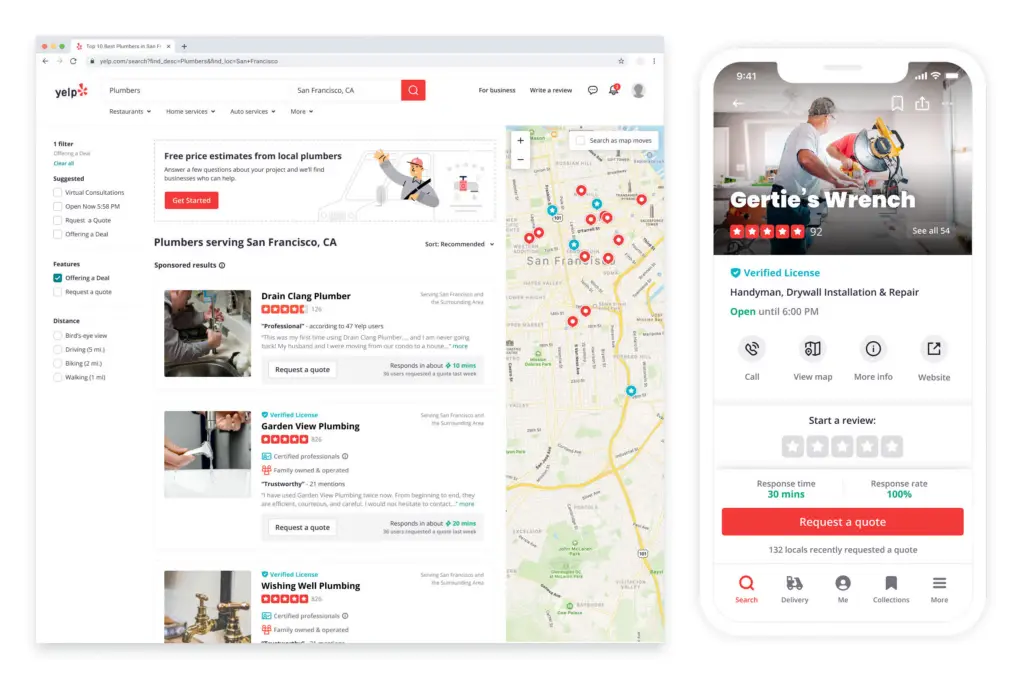
How to register your business on Yelp
- Access Yelp for property owners.
- Do a quick search and check if there's already a page for your business by typing in the name and address. Click Search.
- If there is nothing about your business on Yelp, click Add your business to Yelpat the bottom of the page.
- Enter your business information, including name, address, city, state, zip code, phone number, and website.
- Use the menu to provide your business hours and days. Repeat this process for all days your business will be open. Remember, the more complete your information is, the better for you and your customers.
- Select a category and subcategory (optional). If you need multiple categories to describe your business, click Add another category.
- Enter your email address and click the Add.
- A verification email will be sent to you. Follow the instructions and confirm the process to add your business. Then, click on View your business on Yelp .
- End of process.
Tripadvisor
The world's largest travel website, with over 350 million users who share their experiences in restaurants, hotels, shopping centers such as malls and outlets, and tourist attractions of all kinds.
Who it's for: bars, restaurants, hotels, inns, shopping centers, tourist attractions, and airlines.
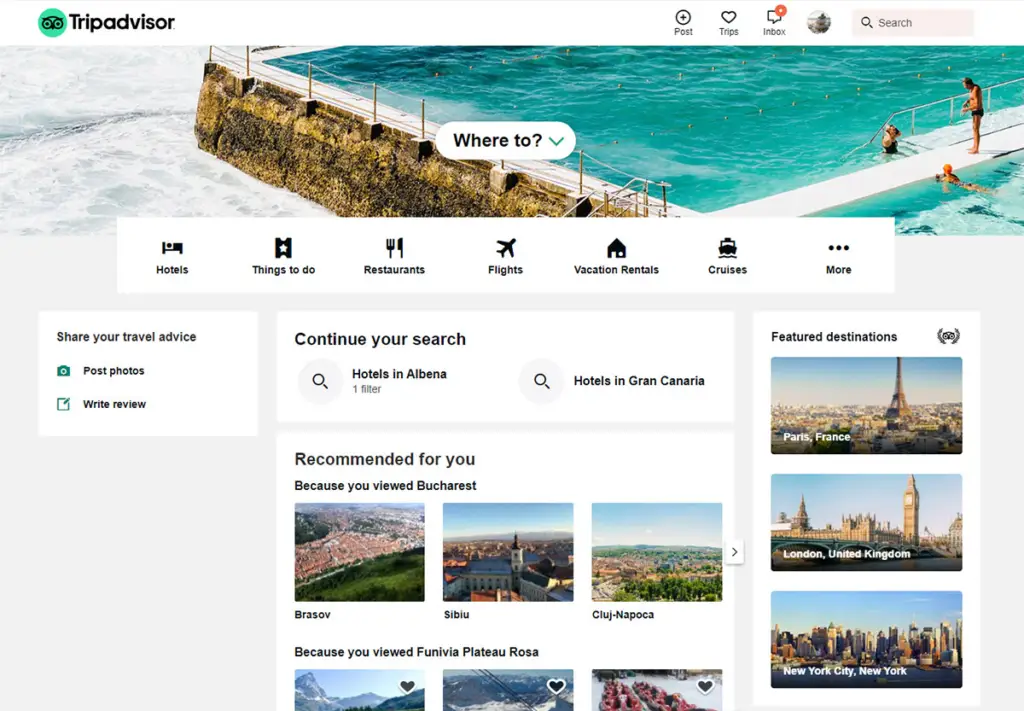
How to register your business on TripAdvisor
- Go to the TripAdvisor page for owners and type your business name in the search field. If it appears in the search box, it means a traveler has already started creating a profile for your business—in that case, click on Claim your listing and proceed to the section on how to claim a TripAdvisor listing. But if the search doesn't show any results, click on the Create a listing now link .
- On the next page, you must select your business type. Fill out the profile correctly. The more complete and accurate it is, the greater the chances that travelers will find your establishment.
- In your establishment's description, you need to highlight its key differentiators to attract travelers looking for something similar to yours. An important detail is to create a descriptive text in several languages, making it accessible to travelers from all countries around the world.
- Fill in the details about your business with as much information as possible. Remember! The more complete your profile, the greater your chance of success in acquiring new customers.
- Now you will need to fill in the information regarding the services your establishment offers.
- You're almost finished creating your profile. In this last step, you just need to choose the photos to put on your profile. Important tip: good photos are essential for success on the platform.
- Finalize the creation of your profile by reviewing all the information you provided. Then, check the box next to the text. This action will confirm that you truly represent the company indicated in the profile and have provided the correct information, as well as guaranteeing the right to use the photos submitted. Now just click the SUBMIT. Done! Your profile has been successfully completed! Within 5 business days, the TripAdvisor team will contact you.
Booking
The world's leading hotel and guesthouse booking site, with over 1.7 million registered establishments. We really like Booking because it encourages users to write both "what they liked" and "what they didn't like" about their accommodation, resulting in richer feedback.
Booking.com has a different process for receiving reviews. Only guests who have checked into the hotel receive the email with the link to leave a review. Without this link, it's impossible to access the area to leave reviews on the site. This helps prevent fraud.
Who it's for: Booking.com aims to offer the best prices for any type of property, from small family-run hotels to executive apartments and luxurious five-star suites.
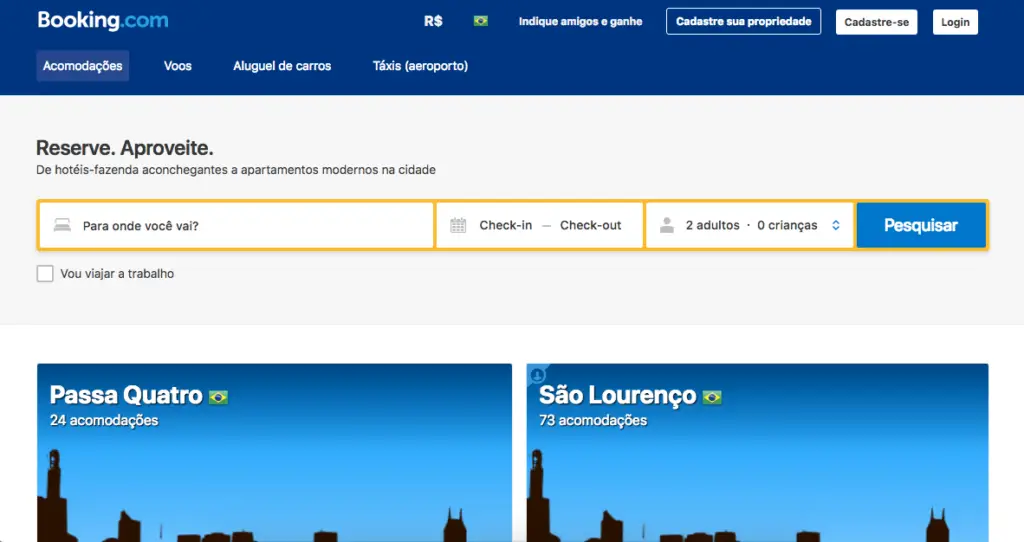
How to register your business on Booking.com
The process is a little different from other platforms. It works like this:
- Go to the Booking.com registration page and create your account.
- The website will verify your information. Then, you will receive an email with your login details for your Extranet, where you can access your property's control panel.
- There you must fill in all the information regarding your property, as well as update your calendar, prices, and other details.
- Once you've registered and the site has reviewed your information, you'll receive an email with the next steps to list your property on Booking.com.
Expedia and Hotels.com
Two websites belonging to the same group. Expedia.com and Hotels.com function as accommodation booking services that also display online reviews and ratings for travelers seeking information.
Who it's for: hotels, guesthouses and apartment hotels.
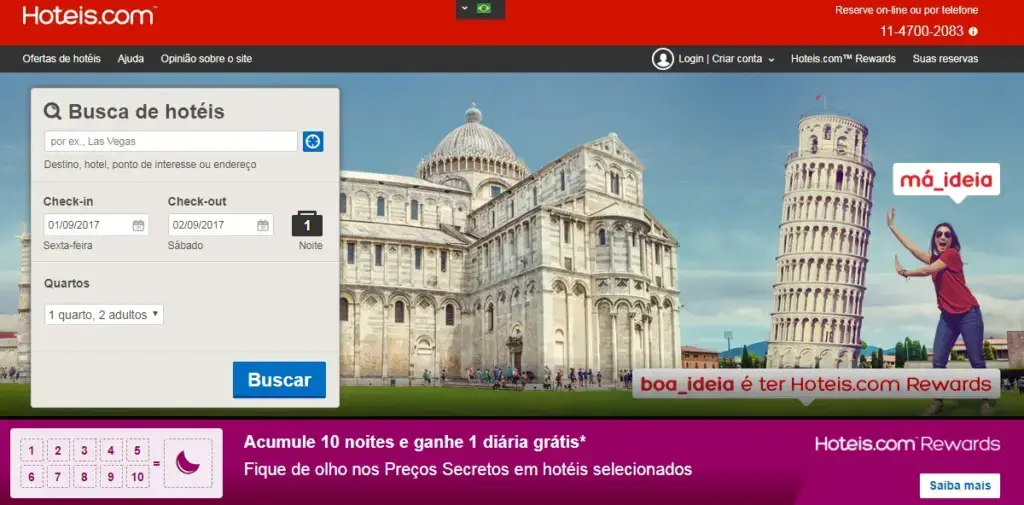
How to register your business on Expedia and Hotels.com
- Access Expedia Group Partner Central
- Please fill out the short form correctly with your contact information.
- Click submit.
- Expedia will contact you via email with the next steps to create your profile.
- You will be asked to submit information about your rates, availability, and amenities, as well as photos.
- Once everything is complete, they will verify the information and contact you by email to confirm that everything is ready.
- Your listing will be translated into 27 languages and published on over 200 booking websites worldwide.
- End of process.
More Guide
A kind of online Yellow Pages. The site was created for you to quickly and efficiently find information about establishments according to your location (anywhere in Brazil). There are more than 6 million registered companies and about 30 million people accessing the platform monthly, according to the site itself. It indexes well on Google and, although consumers rarely write reviews on the site, it's important to be registered with the correct data to improve your website's SEO.
Who it's for: It specializes in micro, small and medium-sized businesses and is suitable for service providers and establishments throughout Brazil.

How to register your company in the Guia Mais guide:
- First, check if your company is already listed on the website. Go to the Guia Mais homepage. Enter your company name and location.
- If your company appears in the results, click on it. Now click on the Suggest edit. Select I own this company. You will be prompted to log in or register.
- Once logged in, select My Companies on the left side of the top bar.
- Select Manage new company and click I'm not a customer.
- Enter the name and city of the company you want to manage, click Search, and when the search results appear, click the "Claim" button.
- Carefully confirm your details and click Confirm.
- Choose how you would like to receive the validation code: SMS, voice message, or by sending a document such as a copy of your articles of incorporation or a current energy bill.
- End of process.
If you haven't yet registered your profile on the site, go to Guia Mais/cadastre-sua-empresa and fill out the form with basic information about your business and click submit. Once you've done that, follow the steps described above to claim ownership of the business.
Sharpener
Similar to Guia Mais, which has a presence throughout Brazil, Apontador also acts as a yellow pages, aggregating various types of services and commercial establishments.
Who it's for: It offers services to both large companies and small and medium-sized enterprises. It serves service providers and establishments of any kind.
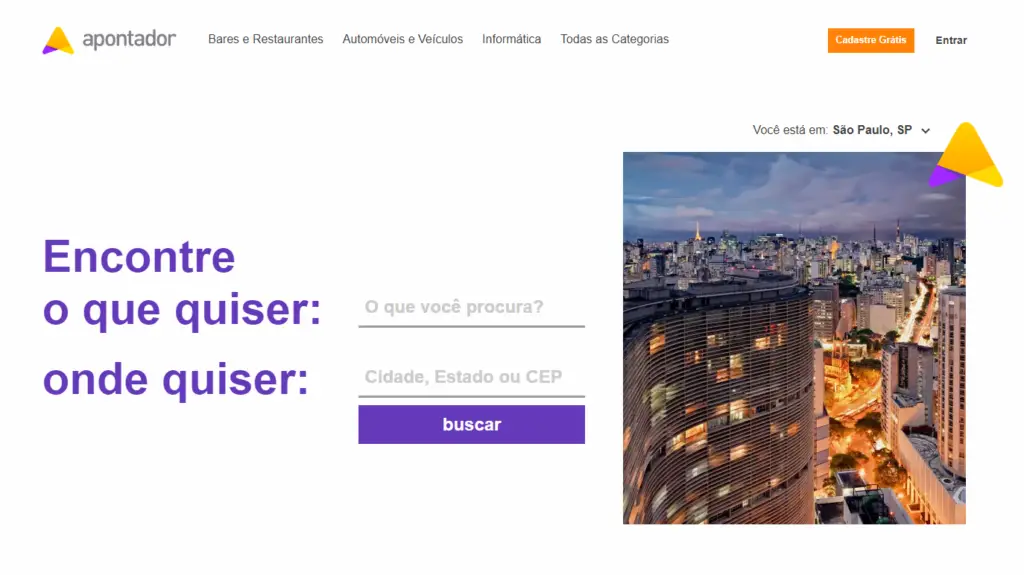
How to register your company on Apontador
- Go to Apontador.com and create your profile.
- This registration is free and will provide you with a login and password, which you should use the next time you wish to register an establishment.
- Once that's done, click on the profile picture icon in the upper right corner and select "register a place". You will need to provide information such as the establishment's name, category, address, and phone number. Additional information, such as email and photos, can also be added and is useful for users searching for that location.
- End of process.
Take off
Decolar.com is the Brazilian branch of the Argentinian company Despegar.com, the largest travel agency in Latin America. It has become one of the main channels for purchasing accommodations and flights in Brazil. While they still need to improve their reviews, for those in the travel and tourism market, it's impossible to ignore.
Who it's for: hotels, guesthouses, airlines, tourist attractions, and car rental companies.
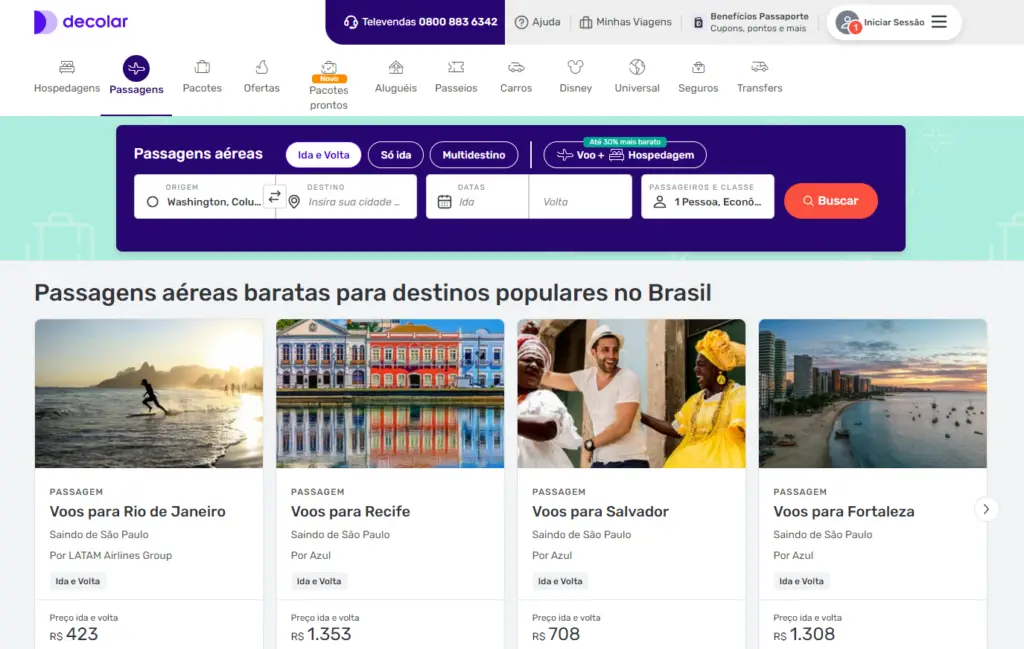
How to register your company on Decolar.com
- To register a hosting service, access the link .
- To register a rental company, access the link.
Just fill in the information correctly and everything will be fine.
iFood
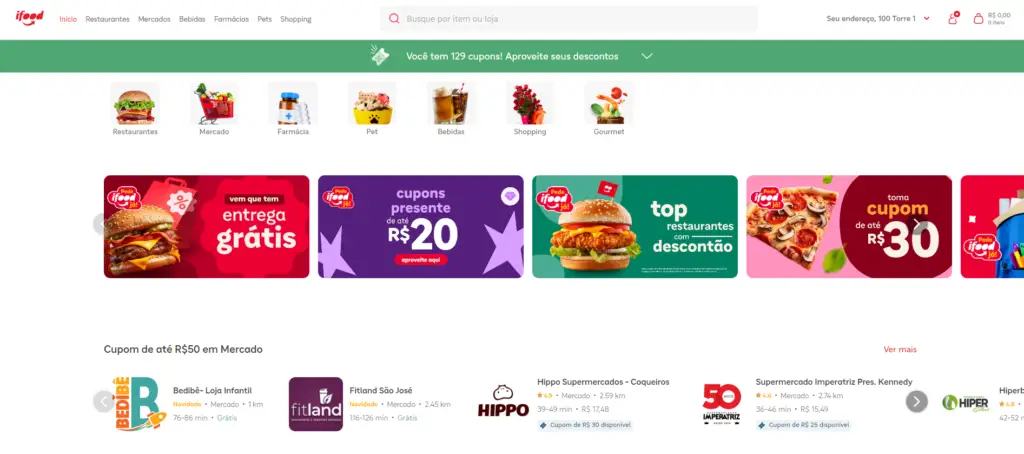
Brazil's largest food delivery website, present throughout the country, with a huge number of reviews. iFood has more than 6.2 million monthly orders, 5.1 million active users, and is also present in Mexico, Colombia, and Argentina.
To register your establishment, click on the link and fill in the information correctly.
Reclame Aqui
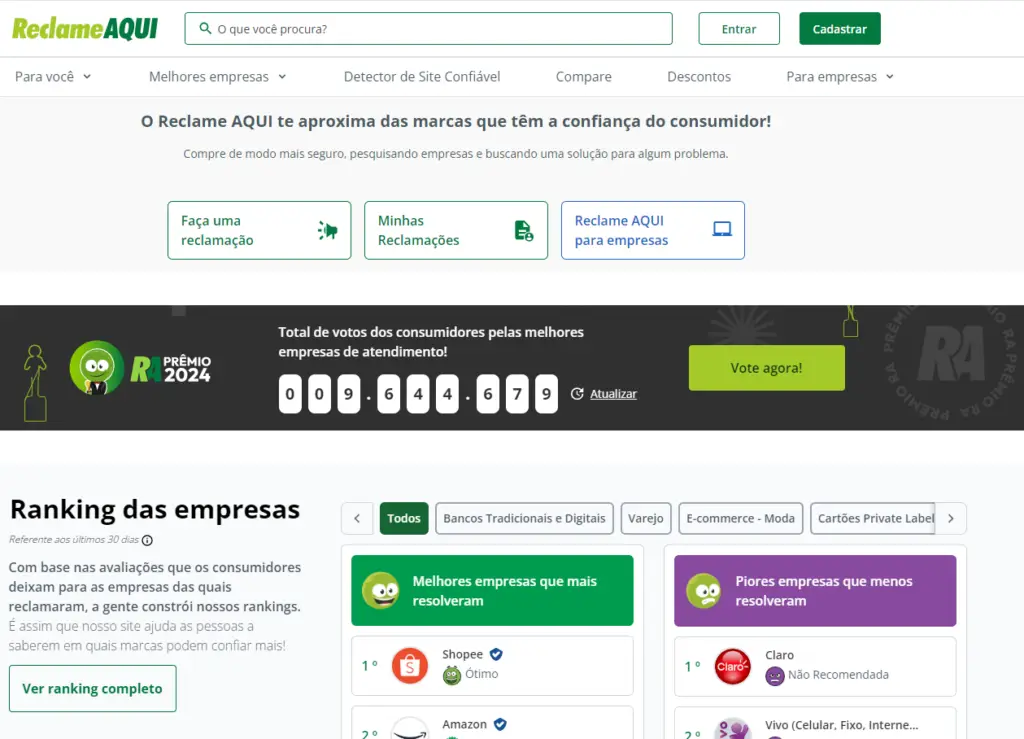
It acts as an independent communication channel between consumers and companies. Contrary to what many believe, Reclame AQUI is not just a complaints website, but a research site. According to the company, 92% of consumers use the site to research a company's reputation before making a purchase.
The only point to note is that Reclame Aqui is not a review site. Therefore, the rating is based on the company's resolution rate, resolution time, etc.
Who it's for: For all types of establishments or services, whether small, medium, or large.
To register your company on Reclame Aqui, access the link and fill in the information correctly.
Restoring
Focused on restaurant reservations, but unfortunately, it's only available in a few Brazilian capital cities: Belo Horizonte, Brasília, Curitiba, Porto Alegre, Rio de Janeiro, and São Paulo. If you own a restaurant in one of these cities, it might be worthwhile to register your establishment with the network.
To register, access this link and scroll to the bottom of the page. Simply fill in the information and the website will contact you.
Zomato
Zomato is a restaurant search service for those who want to go out to dinner, pick up food, or order delivery, available in more than 10,000 cities in 24 countries. In Brazil, it is present in: Brasília, São Paulo, Rio de Janeiro, Salvador, and Porto Alegre.
Who it serves: restaurants and delivery services.
To register your establishment on Zomato, access the link. Simply fill in the information and the site will contact you.
The Fork
Following the same model as Zomato and Restorando, The Fork belongs to TripAdvisor and has a wide range of establishments. The reviews are, of course, integrated with TripAdvisor. The site is present in the following cities: Rio de Janeiro, Curitiba, Belo Horizonte, Salvador, Porto Alegre, Fortaleza, Brasília, Florianópolis, Goiânia, Recife, and Ribeirão Preto.
Who it serves: Restaurants.
To register your establishment on The Fork, access the link.
What did you think of the post? Do you have any questions? Leave a comment below. If this content helped you, help others too and share it.
Conclusion
Investing in a strategic presence on major online review sites is crucial for acquiring and retaining customers in a competitive market. Review platforms offer a direct channel to demonstrate the quality and reliability of your business, allowing potential customers to make decisions based on the experiences of others.
Each listed website offers unique benefits depending on the type of business and target audience, from Google My Business, which strengthens local visibility, to Reclame Aqui, which helps manage reputation. Leveraging these channels in an integrated way not only expands your brand's visibility but also strengthens consumer trust, positively impacting the flow of new customers and retention.